
Create new imagery
Start with a product photo, describe the scene, and add references for the light, materials and mood you want.
Image Studio by Koral
For fashion, home & interior
From the first packshot to your next campaign. Create, edit and bring your product imagery to life in one creative workspace.
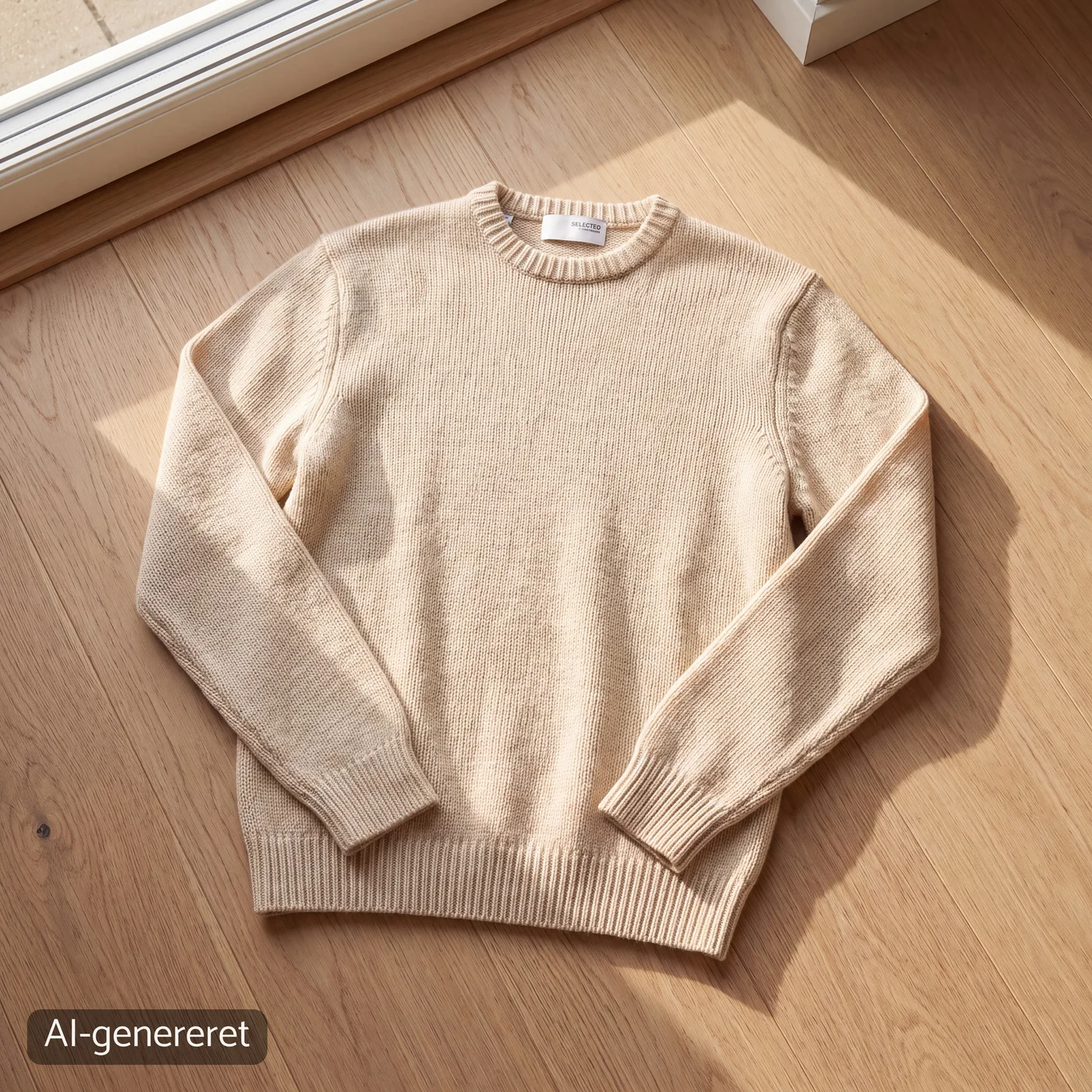
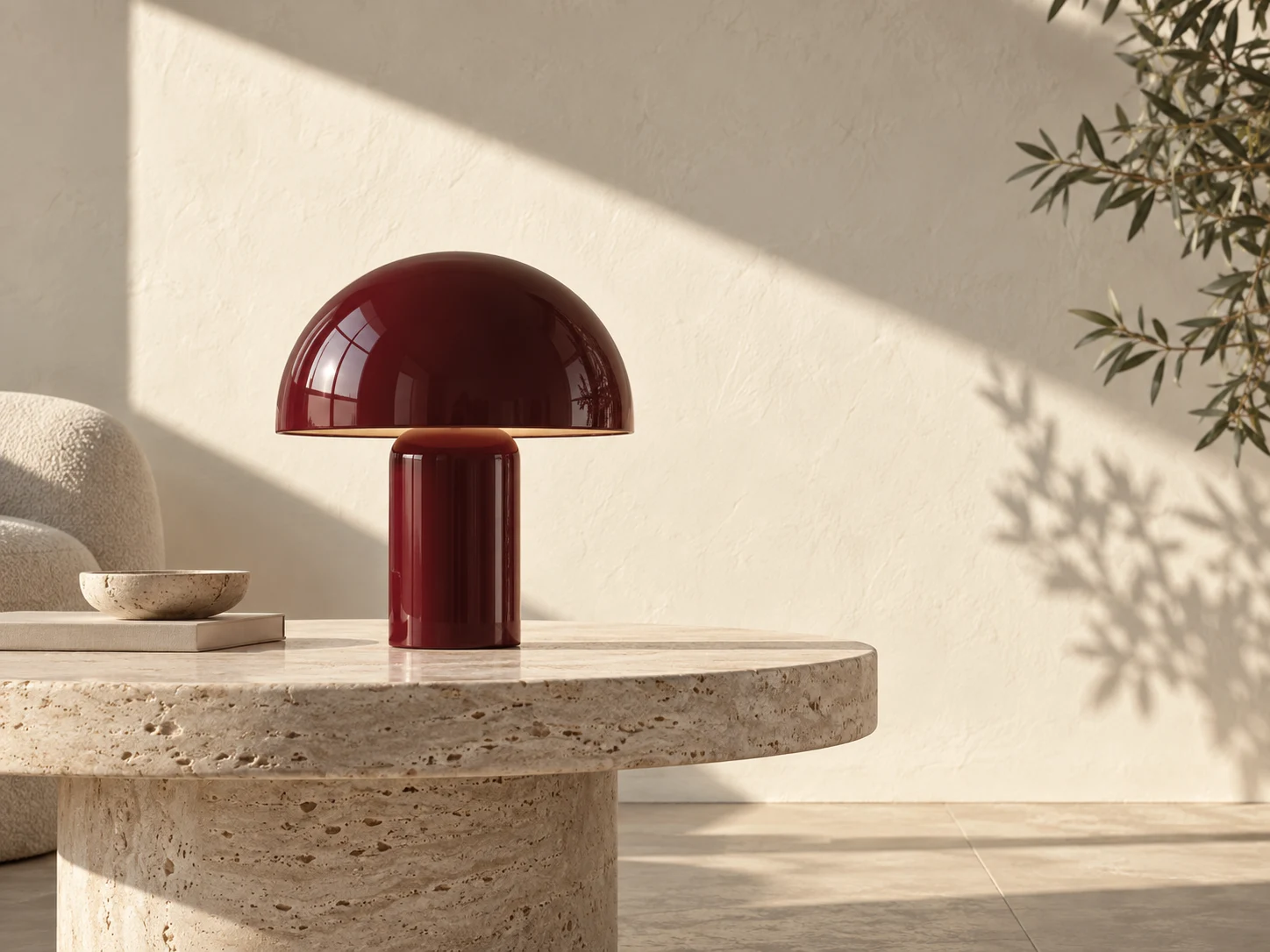 AI-generated example
 Your products are the starting point. You set the direction.
A product photo. An idea. A reference image. Build on your existing material and explore a new visual direction.
Add a packshot and a style reference, if you have one.
Describe the light, background and mood. Arrange your products on the canvas.
Edit details, compare versions and download the result that fits your brief.
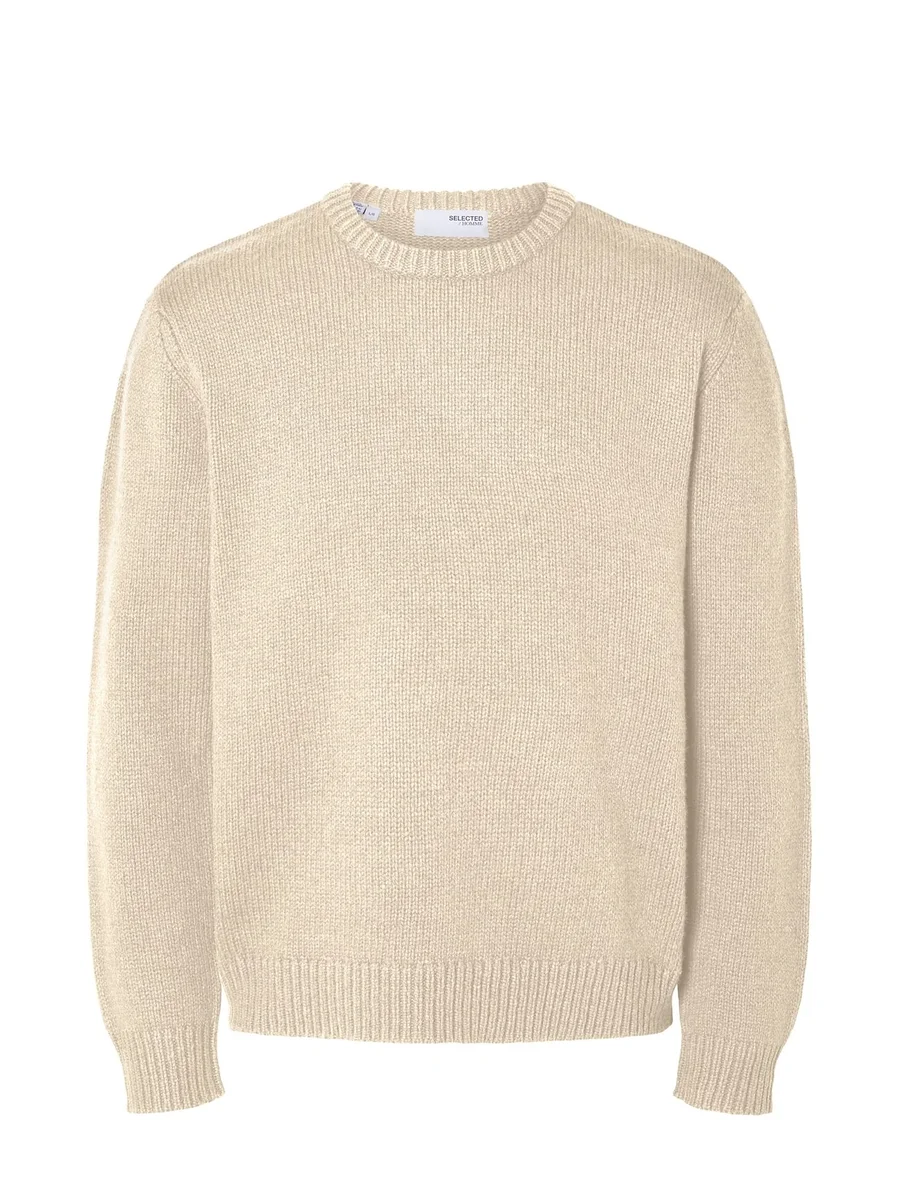
Example from Image Studio. Review the product’s details against the original before use.
Explore a setting around one product, then bring a collection together through light, materials and mood.
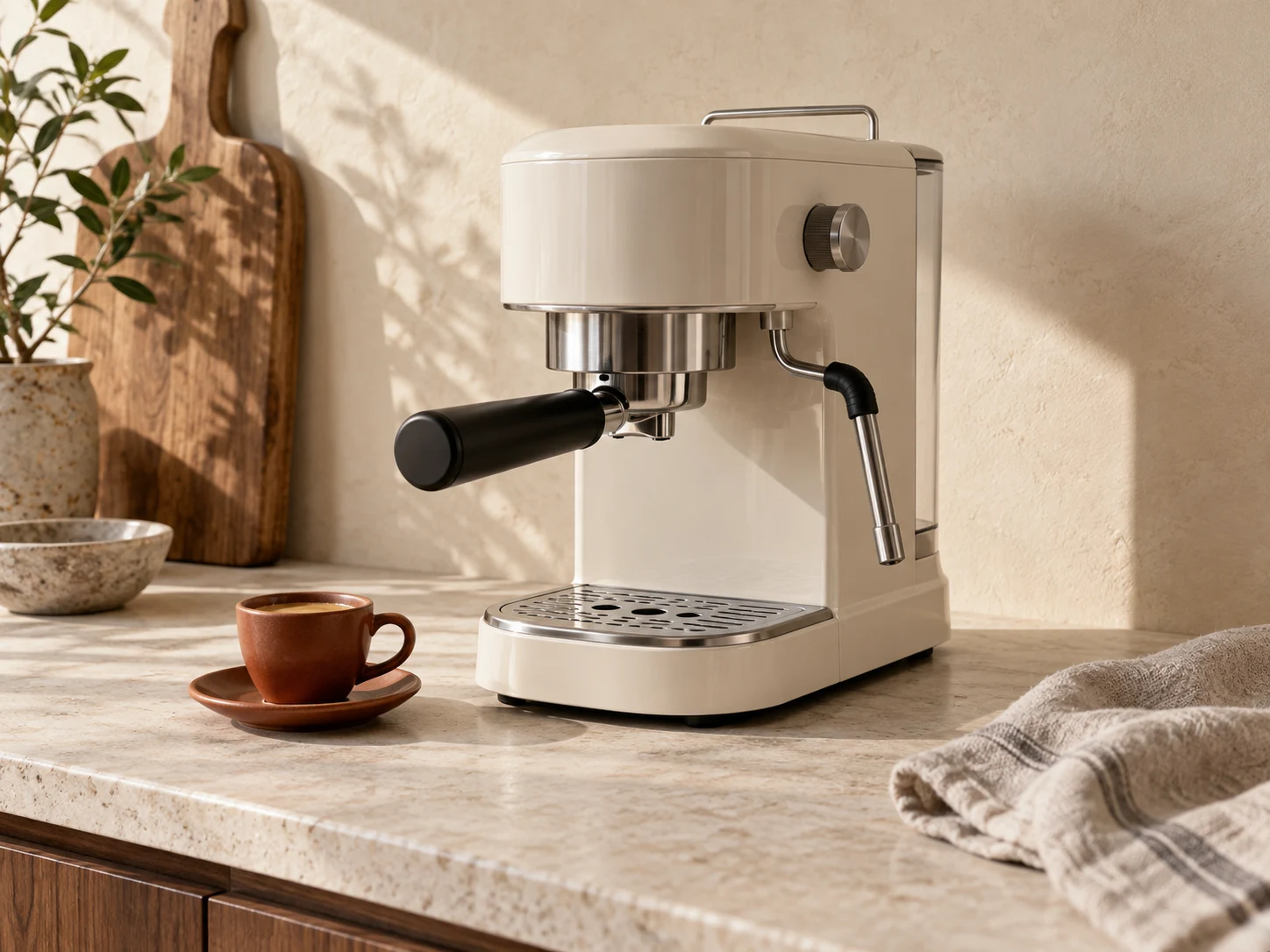
Explore kitchen scenes around coffee machines and everyday products.
AI-generated concept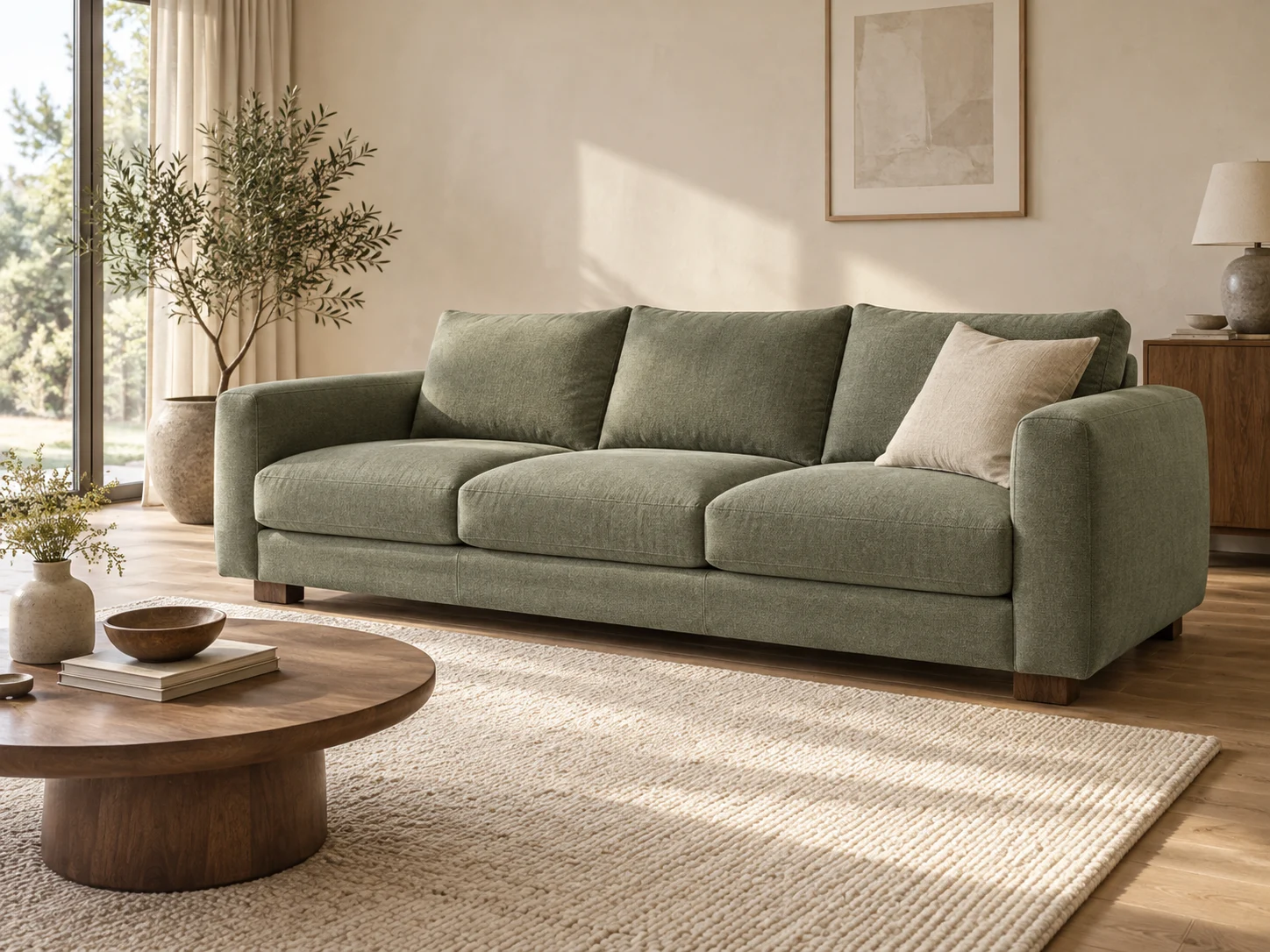
Give furniture a setting with a considered palette, textures and light.
AI-generated conceptExplore a shared scene for several products, with one visual direction for the collection.
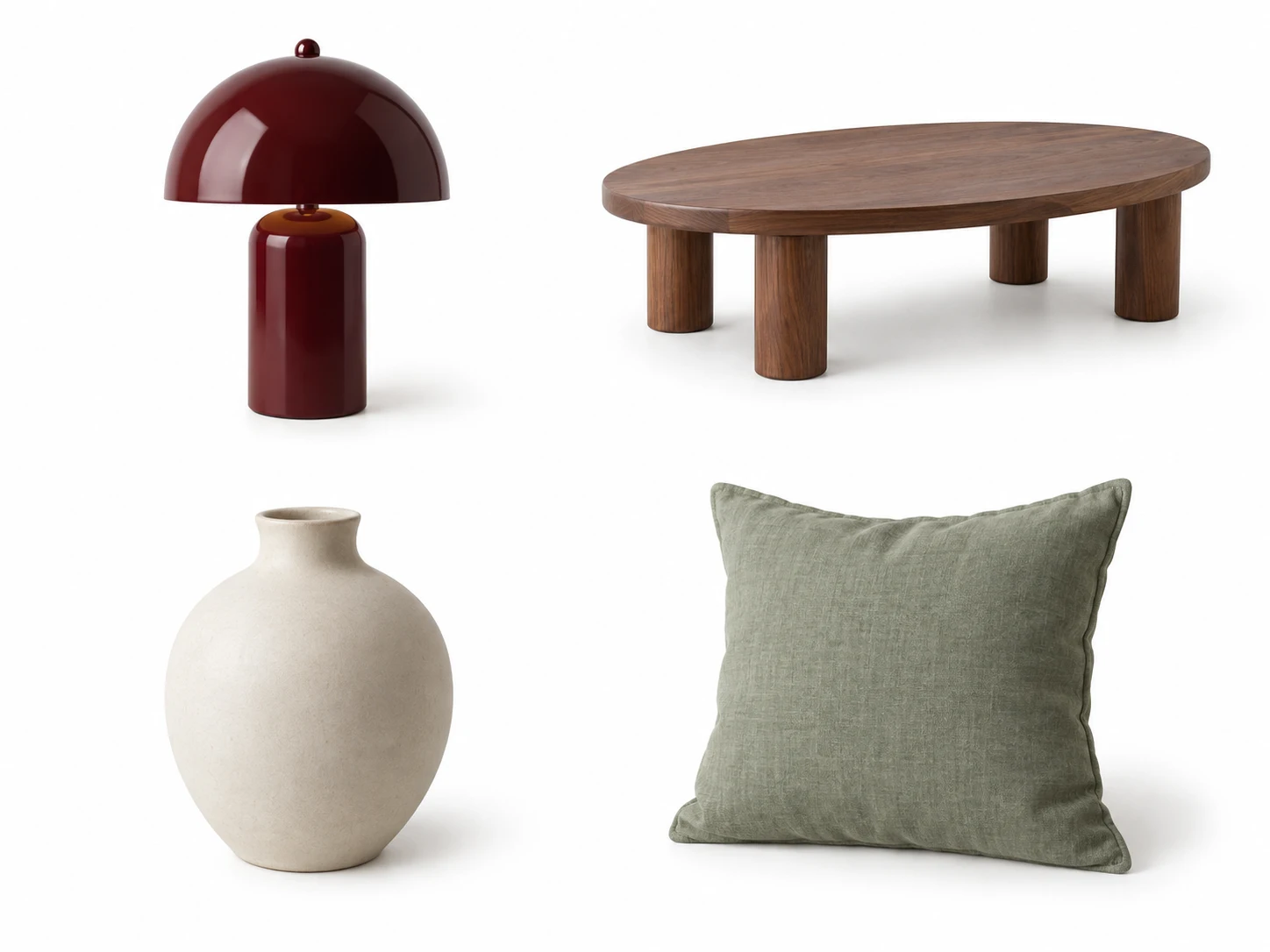
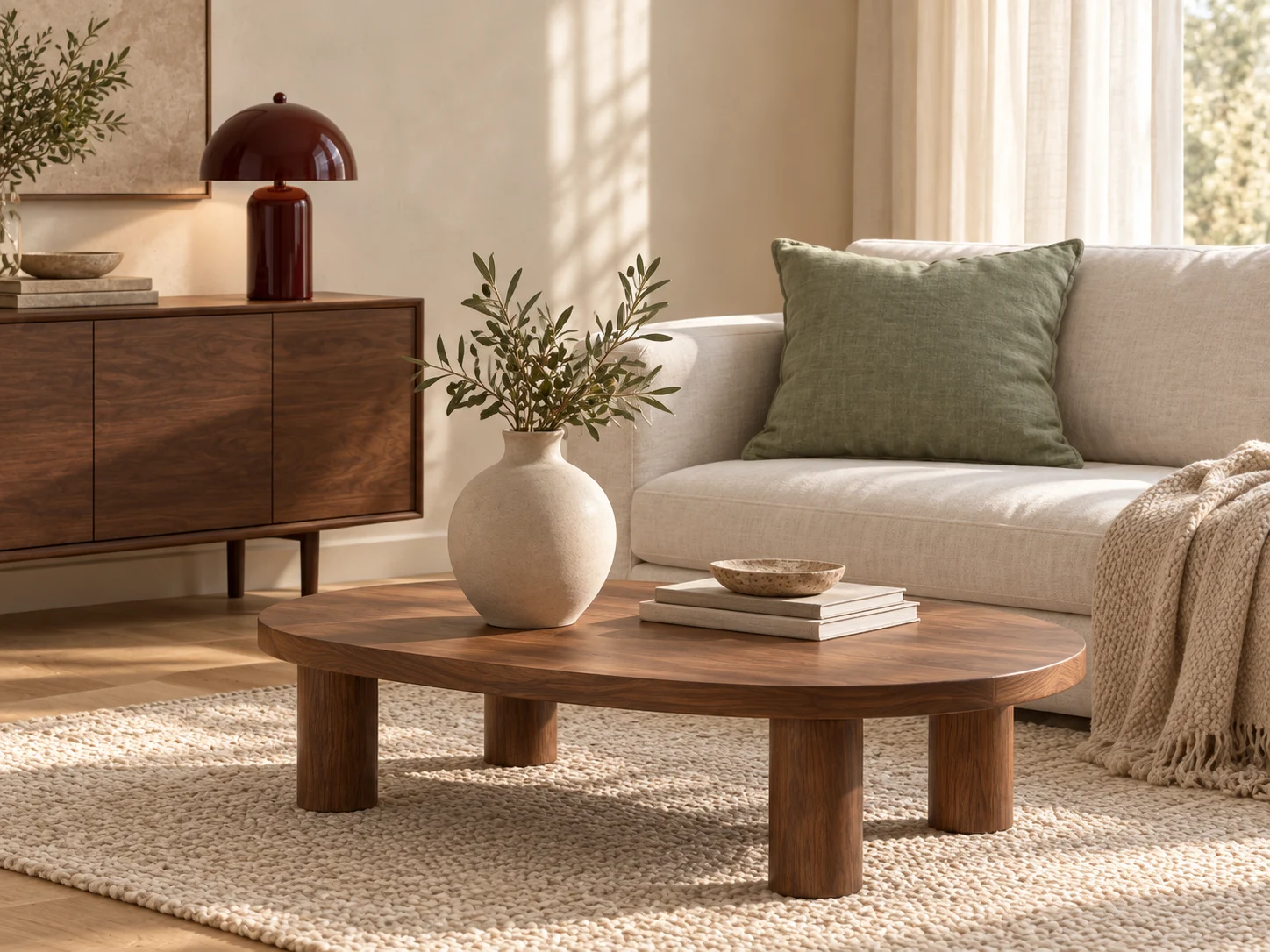
Move from clean product imagery to styled scenes, detailed edits and video. Keep working with the material you already have.
Start with a product photo, describe the scene, and add references for the light, materials and mood you want.
Bring products and visual directions together. Compose scenes and create imagery for your next collection or campaign.
Clean up backgrounds, adjust the light and give your product imagery a coherent look.
Mark an area, add a note or a corrective reference, and create a new version. Compare the result with your original.
Add movement to a still image with a short video sequence, guided by your description.
Use optional visual checks to find possible issues and guide the next edit, alongside your own review of the product details.
Start with your products. Make the result your own.